
Stay posted with kuikwit's informative posts
8 Essential Teamwork Tips for Mastering Kuikwit Customer Support
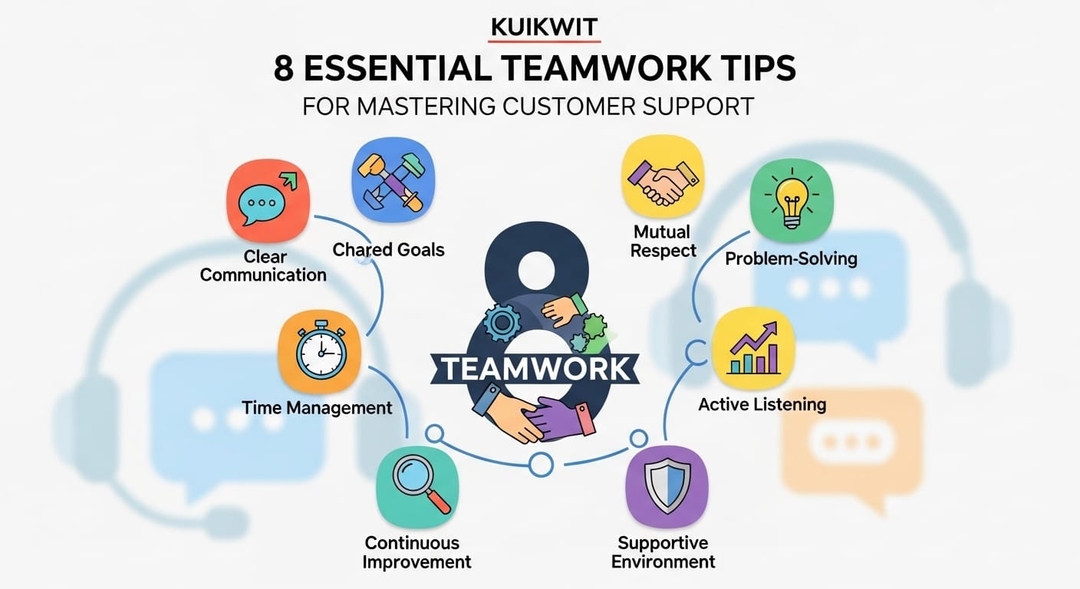
Want to use Kuikwit more effectively? Check out these 8 teamwork tips to optimize your customer support. From internal notes to real-time collaboration, these strategies will help you streamline your processes and improve team efficiency.
Tag:
Published:
2 months ago
Updated:
2 months ago
Reading_time:
4 min read
Write notes ins...
Don't let messa...
Tag your cowork...
Have some saved...
Check who's doi...
Give everyone a...
Talk while you ...
Look at your st...
That's it reall...
Tag:
Published:
2 months ago
Updated:
2 months ago
Reading_time:
4 min read
So your company uses Kuikwit. Cool. It puts all your customer messages from WhatsApp, Instagram, and Facebook in one spot. That part's easy enough. But getting your whole team to use it properly? That's where things fall apart for most people.
Here's what actually works.
Write notes inside the chat
You can leave private notes in any conversation. The customer can't see them. So if you talked to someone yesterday and your coworker picks it up today, they don't have to start from scratch. Just leave a quick note like "this person wants a refund, already sent the form." Done. Saves everyone time.
Don't let messages sit there with no owner
This happens all the time. A message comes in and everyone thinks someone else will get it. Or two people reply at once. Both are bad. Just assign the message to one person. That person handles it. Simple.
Tag your coworker if you're stuck
You don't know everything. That's fine. If a customer asks something you can't answer, tag the person who can. Right there in the chat. No need to send a separate message on another app. They jump in, help out, and you move on.
Have some saved replies ready
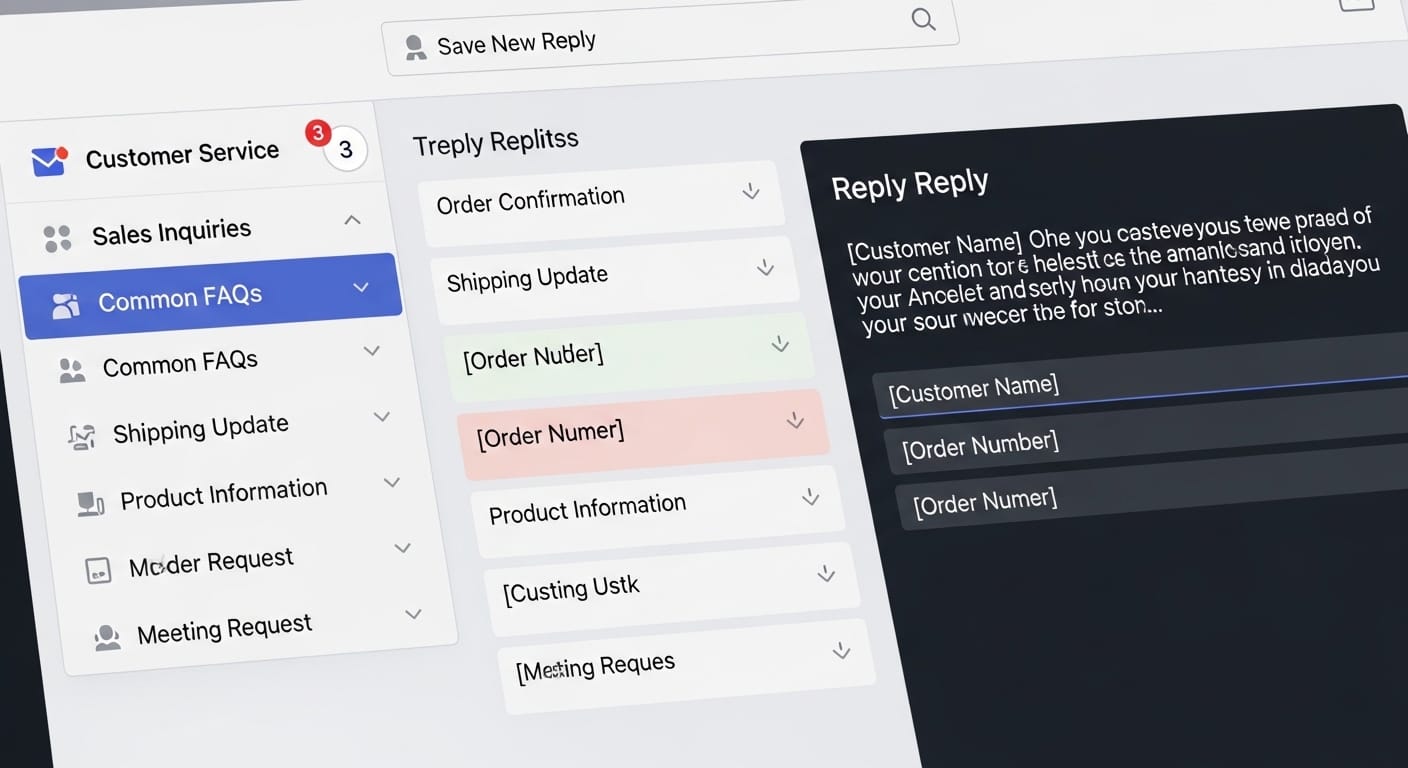
Writing the same answer fifty times a day is a waste of time. Make a few templates for the questions that keep coming up. Share them with the team. New people especially need this because they don't know how your company talks to customers yet. Just don't send them word for word every time — change a few things so it doesn't feel robotic.
Check who's doing what
There's a dashboard. Use it. You can see who's busy, who's free, and which customers are still waiting. Look at it a few times a day. It takes ten seconds and saves you from a lot of problems.
Give everyone a clear job
Some people run the whole account. Some people manage the team. Some people just talk to customers. Make sure everyone knows which one they are. When roles are fuzzy, people either do too much or too little. Neither is good.
Talk while you work
Don't wait until your weekly meeting to bring up problems. If something weird is going on with a customer, talk about it now. If you're ending your shift and a chat isn't finished, hand it off properly. Tell the next person what happened. Don't just disappear.
Look at your stats once in a while
I know, nobody likes looking at numbers. But check your response times. See which days are busiest. Find out what customers complain about the most. Do this as a team, not just the boss alone. You'll catch stuff nobody noticed before.
That's it really
Kuikwit isn't complicated. The hard part is getting people to actually work together on it. Assign stuff. Leave notes. Tag people. Check the dashboard. Talk to each other. That's basically the whole secret.
How do I manage customer messages from different apps without going crazy?
That one is simple really – stop switching between apps. Constantly going from one to another is what really drained me. I started with Kuikwit, and it simply gathers everything for you on one screen – WhatsApp, Instagram, Facebook, all of it. You get to see every message in the same place. No more opening five tabs and forgetting who said what.
What if two people on my team reply to the same customer?
It's really embarrassing, and even people who do it don't admit it. One thing you can do is assign each conversation to only one person. Kuikwit lets you do that. As soon as a chat is assigned to someone, other people can see that it is taken. Problem solved.
How do I get new team members up to speed fast?
Hires need time to figure out how you communicate with your clients. We found that having saved reply templates in Kuikwit was the best help. The newbie just selects from the stored responses, maybe changes a word or two, and sends it. They sound like they’ve been there for months on day one.
Is there a way to know what my team is actually doing all day?
Yes, there is – and it does not include micromanagement. Kuikwit includes a dashboard where you can see at a glance who is doing what, the number of chats each one has handled, response times, and all that. You take a quick look at it. You don’t have to ask anyone for an update because it’s all there.
We work in different time zones. How do we hand off chats properly?
We were in the same situation. The person finishing their shift now just puts an internal note on any open chats. The following person reads it and continues exactly from where the previous one left off. The customer doesn’t even get to notice that someone else has taken over. Kuikwit helps this to work very well.
Do I really need to set roles for a small team?
You might think that with a small team, there is no need to set roles. However, it is very easy for things to get messy if everyone has the same access rights and nobody knows what each person is responsible for. Kuikwit lets you define roles such as admin, manager, and agent. It only takes a moment to do, and you will save yourself a lot of trouble later.
How do I keep my team's replies consistent?
The solution here is shared templates. You prepare your top-notch replies just once, store them in Kuikwit, and then everyone uses them. That way, your customers are getting consistent answers of the same high quality, regardless of the person they are talking to. It is a way to maintain your brand voice uniformly without anyone needing to memorize a script.